
Setup Instructions For Your New Local Rank Pal Card
Text instructions
1. Search and Select Your Business Below
2. Copy the Link In The box Below To your phone (Click the Button)
3. Download The NFC Tools App
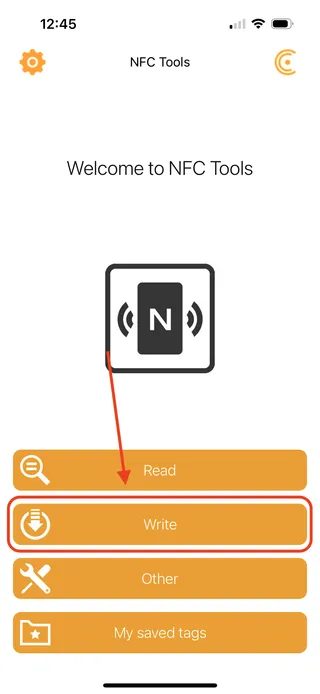
4. Open The NFC Tools App And Select 'Write'
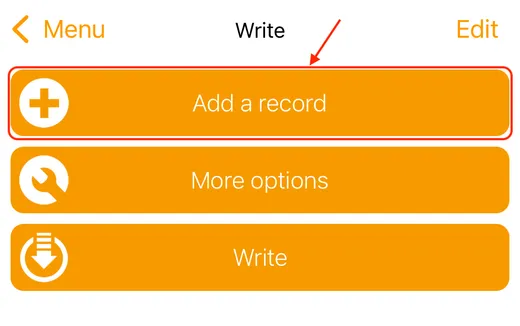
5. Select 'Add a Record' and Then 'URL / URI'
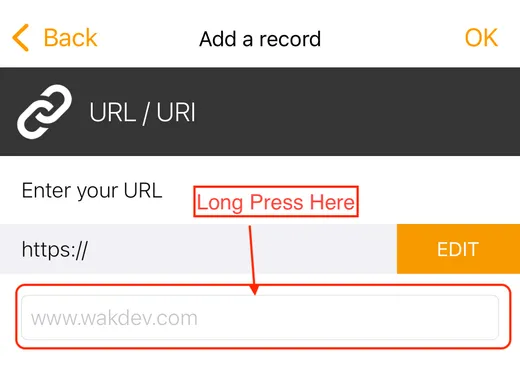
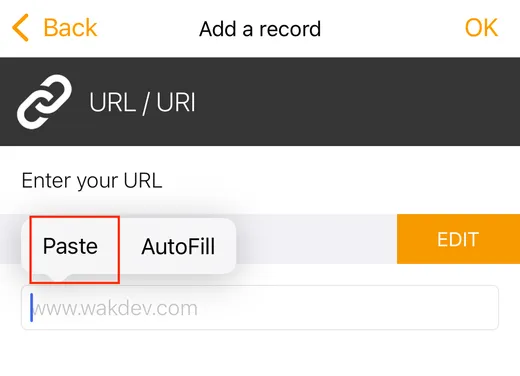
6. Long Press On The Box and Select 'Paste' and then OK (Top Right Corner)
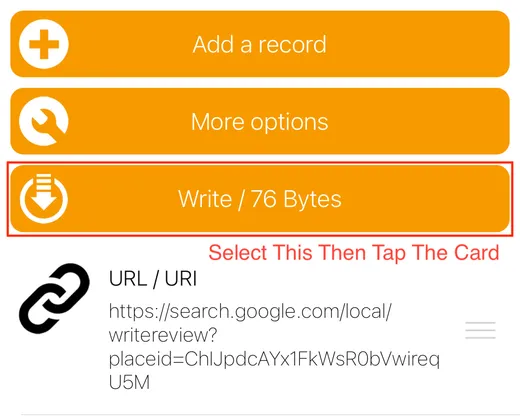
7. Select Write / xx Bytes and Tap the Card. It is Now Ready To Use!
Stuck? Email us at [email protected] and we'll help.